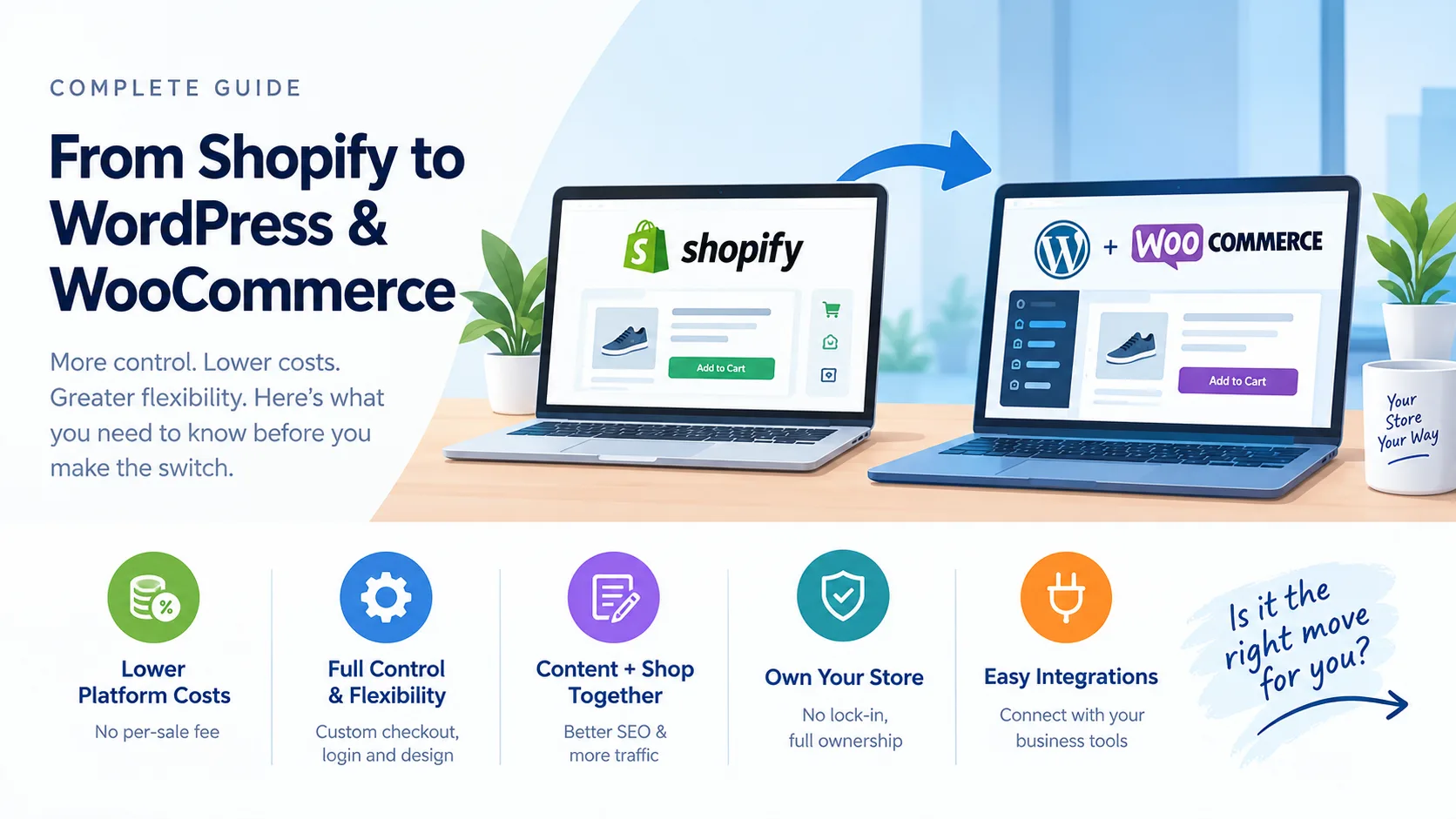
Shopify is a good platform, and for many online stores it is the right choice. But if you are reading this, something about your store probably feels limited: the monthly bill, the checkout, the way customers log in, or how hard it is to connect the shop with the rest of your business. This guide explains why businesses move from Shopify to WordPress and WooCommerce, what benefits you can realistically expect, what you give up, what it costs and how to move without losing your Google traffic.
Prices and plan details below were checked in October 2026 and change over time, so confirm them on the providers' own websites.
The short answer
You move from Shopify to WooCommerce (the shop plugin for WordPress) when you want more control, more flexibility and lower platform costs as you grow, and you are happy to have someone look after hosting and updates. You stay on Shopify when you want the simplest possible setup and do not need anything it cannot do.
Why businesses switch from Shopify to WooCommerce
1. Platform fees that grow with your sales
According to WebsiteBuilderExpert, Shopify's plans are roughly $29, $79 and $299 a month when billed yearly (Basic, Grow and Advanced). On top of that, if you take payments through a gateway that is not Shopify Payments, Shopify adds a transaction fee of about 2%, 1% or 0.6% depending on the plan, as summarised by NerdWallet.
This matters in India, where many stores prefer local gateways such as Razorpay, PayU or Cashfree. On WooCommerce, the platform itself charges no per-sale fee. You still pay your payment gateway's normal processing charge, and you pay for hosting, but there is no extra cut taken by the store software.
2. Full control of checkout, login and design
On Shopify, deep changes to checkout and customer accounts are limited by what the platform allows. WordPress and WooCommerce are open software, so a developer can change almost anything: a one-time-password (OTP) login, a custom order form, special pricing for wholesale customers, delivery rules for particular pincodes or a custom invoice.
3. Your content and your shop in one place
WordPress started as a publishing platform. Blog posts, guides, landing pages and your shop sit together, with strong SEO tools and full control over page titles, descriptions and URLs. If content marketing is part of how you win customers, this is a real advantage.
4. You own the store
With WooCommerce you own the code, the database and the files. You can move hosts, change developers and export everything. You are not tied to one company's rules, plans or price changes.
5. Easier to connect to the rest of your business
Need orders to flow into your accounting software, a warehouse tool, a WhatsApp notification system or your own app? With WordPress you can build exactly the integration you need, instead of searching for an app that almost does it.
What you gain, in plain language
- No platform transaction fee: more of each sale stays with you.
- Custom checkout and login: a smoother path from visitor to buyer.
- Blog and shop together: more Google traffic from helpful content.
- Full ownership: no lock-in, and it is easy to move or expand later.
- Custom features: the store fits your process, not the other way round.
The honest drawbacks
A fair comparison includes the downsides:
- You manage the technical side. Hosting, security, backups and updates are your responsibility, or your developer's. On Shopify, these are included.
- Costs shift rather than vanish. You will pay for good hosting, some premium plugins or themes, and maintenance. Over time this is often lower than Shopify for growing stores, but not always.
- Speed needs attention. A badly set-up WooCommerce store can be slow. It needs good hosting, caching and clean code.
- Setup takes longer than starting a Shopify store from a template.
If your store is small, simple and growing steadily, staying on Shopify can be the better choice. We will tell you so honestly.
What gets moved, and what does not
Based on migration guides such as Cloudways, you can usually transfer:
- Products with titles, descriptions, images, prices, SKUs and stock
- Categories and collections
- Customers' names, emails and addresses
- Order history (with the right migration tool)
You usually cannot transfer:
- Customer passwords. Customers will need to reset them. This is a good reason to plan a friendly announcement email or a simple OTP login.
- Your theme and Shopify apps. The design is rebuilt, and app features are replaced with WordPress plugins or custom code.
How to move without losing your Google rankings
This is the part that decides whether a migration is a success.
- Map every URL. Shopify uses addresses like /products/ and /collections/, while WooCommerce uses /product/ and /product-category/. Every old address needs a permanent (301) redirect to its new one, set up before launch.
- Keep your SEO text. Page titles, descriptions and image descriptions must be carried over deliberately, or you start from zero.
- Submit the new sitemap in Google Search Console on launch day and watch for errors.
- Expect a short wobble. Even with a clean redirect plan, rankings can move for a few weeks after launch. Do not change anything else big at the same time.
- Test before you switch. Build and test the new store on a private address, including checkout, emails, taxes and shipping, then switch the domain.
What a good migration plan looks like
- Audit. We list your products, apps, integrations, payment and shipping setup and your top-ranking pages.
- Plan. We agree what to keep, what to improve and what the new store needs, with a clear scope and cost.
- Build. We set up WordPress and WooCommerce on good hosting, import your data and design the store for speed and mobile.
- Custom development. We add what Shopify could not do, such as a custom login, a tailored checkout or integrations.
- Test. Real orders, real payments in test mode, email notifications and mobile checks.
- Launch with redirects. We switch the domain, apply the redirect map, submit the sitemap and watch your traffic closely.
- Support. Updates, backups, security and speed checks after launch.
A mid-sized catalogue with custom features commonly takes several weeks from start to finish. We give you a clear timeline after the audit, not a guess.
A real example
We recently moved a home and lifestyle brand from Shopify to WordPress and WooCommerce, including a custom one-time-password login for customers and Razorpay checkout for Indian payments. Read the BV Lifestyle case study.
Is it right for you? A quick checklist
Moving is worth considering if you answer yes to two or more:
- You pay noticeable transaction or app fees every month
- You need a checkout, login or pricing rule that Shopify cannot do
- Content and SEO are an important source of customers
- You want to own your store and data
- You want the shop connected to other systems you use
How SimpleApp can help
We build and migrate online stores, and keep them fast and secure afterwards. See our web application and e-commerce development and website maintenance and support services. If you are not sure whether to move, tell us about your store and we will give you an honest recommendation, including when staying on Shopify is the better choice.